A Guide to the Niramaya Health Insurance Scheme ( Part 2 )
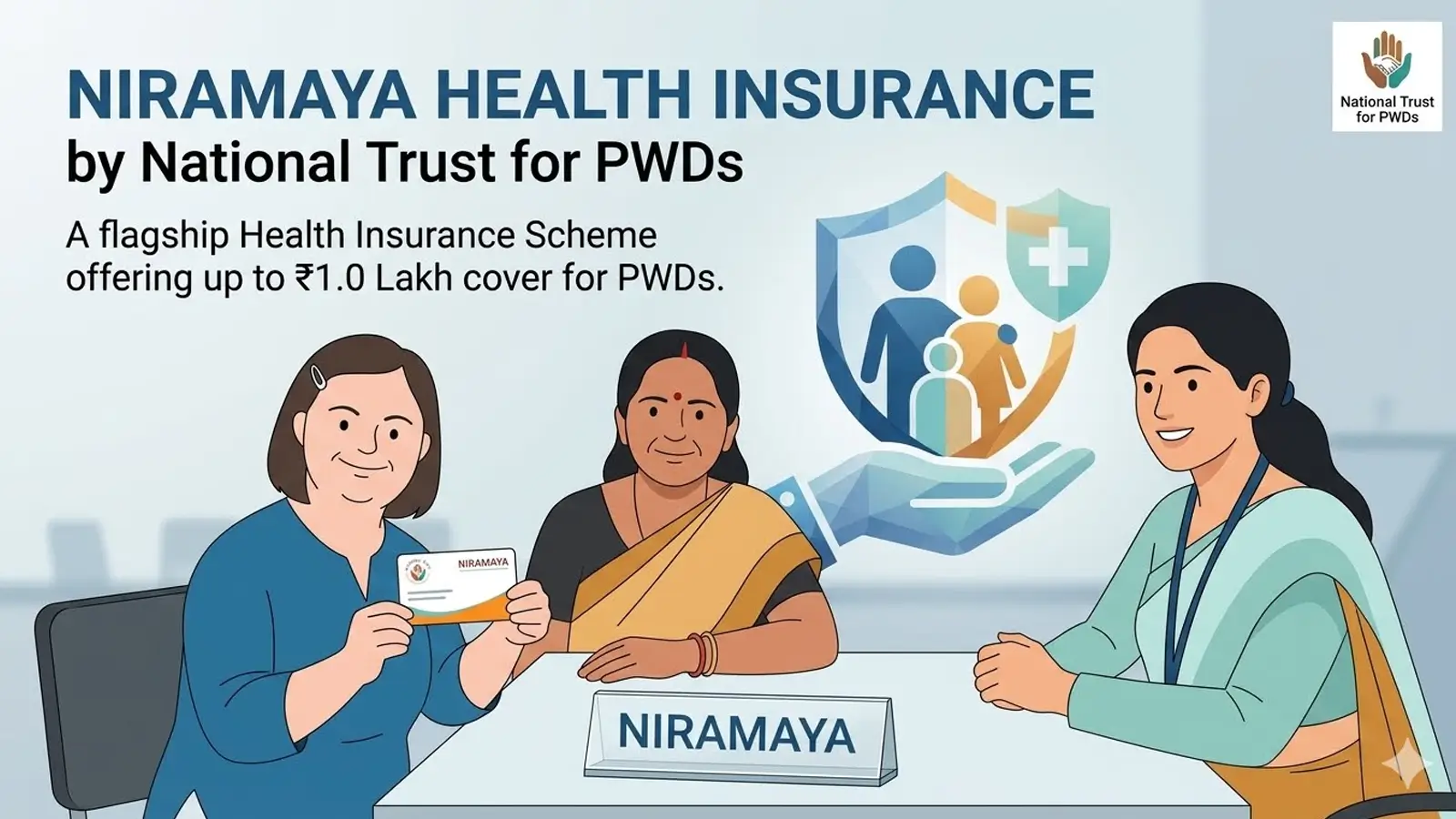
The Niramaya Health Insurance Scheme must be renewed every year before March 31st to maintain uninterrupted healthcare coverage of up to ₹1 Lakh for Persons with Disabilities (PwDs). Administered by the National Trust under the Ministry of Social Justice & Empowerment, the renewal window typically opens on February 1st. If you let the policy lapse, you will have to undergo the entire fresh enrollment process again.
Here is a simple, step-by-step guide to smoothly navigate the renewal process.
Documents Required for Renewal
Before initiating your renewal, keep the following clear, scanned documents ready:
- UDID Card (Unique Disability ID) or Disability Certificate (Mandatory).
- Niramaya Health Card or your unique Beneficiary ID.
- Proof of Address (Only if your residential address has changed).
- Income Certificate / BPL Card (To verify your correct fee slab).
- Bank Account Details of the beneficiary (Necessary for future claim reimbursements).
Renewal Fee Structure
The nominal annual fee depends on the family’s financial slab:
| Category | Monthly Family Income | Annual Renewal Fee |
|---|---|---|
| BPL / Low Income | Below ₹15,000 | ₹50 |
| Non-BPL / APL | Above ₹15,000 | ₹250 |
| Legal Guardians | PwD with a Legal Guardian Certificate | Free (No Charges) |
Step-by-Step Renewal Process
The National Trust allows parents or guardians to process renewals online or by visiting a local partner center.
Option 1: Online Renewal (Via Portal)
- Visit the Portal: Open the official National Trust Niramaya Portal.
- Select Renewal: Choose the “Existing Beneficiary (Renewal)” option.
- Log In: Enter the Application ID / Beneficiary ID, UDID Number, and the beneficiary’s Date of Birth. Click “Validate”.
- Update Details: Review the pre-filled form. Update the bank details or address if needed.
- Pay Fee: Pay the applicable renewal fee securely using UPI, Debit Card, Credit Card, or Net Banking.
- Confirmation: Save the digital acknowledgment receipt generated instantly on screen.
Option 2: Offline Renewal (Via Registered Organisation)
If you face issues online or belong to the BPL bracket, you can easily renew via a local partner:
- Locate an RO: Find your nearest Registered Organisation (RO) using the “Find an RO” tool on the official National Trust Website.
- Submit Forms: Visit the RO with your documents and the downloaded Niramaya Renewal Form.
- Verification: The RO desk will verify your original documents and log into their official portal to submit your renewal.
- Cash Payment: Hand over the renewal fee to the RO, and they will process the online transaction on your behalf.
How to Download the Renewed E-Card
Once the National Trust approves your renewal request, the updated health insurance card becomes available online.
- Go to the Niramaya section on the official website.
- Click on “Download E-Card”.
- Enter the Beneficiary ID to instantly view, save, or print your extended card.